
Top 6 Sources for Kubekanvas.io Alternatives 2026
Explore 6 kubekanvas.io alternatives to help you decide on the best sources for Kubernetes application management and workflow automation.
Finding reliable sources that provide practical, testable Kubernetes workflow automation content can waste hours for DevOps engineers. Many sites focus on theory or editorial coverage and skip hands-on tools, mentor feedback, or ready-to-run labs for incident recovery. The list compares features, learning formats, and hands-on access across six Kubernetes workflow automation sources so DevOps practitioners can match a resource to their skill and team needs.
Table of Contents
- DevOps AI ToolKit
- Argo CD
- DevOpsCube
- TrustInTech
- Agile Engineering Podcast
- VNTechies
- Comparison of alternatives
DevOps AI ToolKit
At a Glance
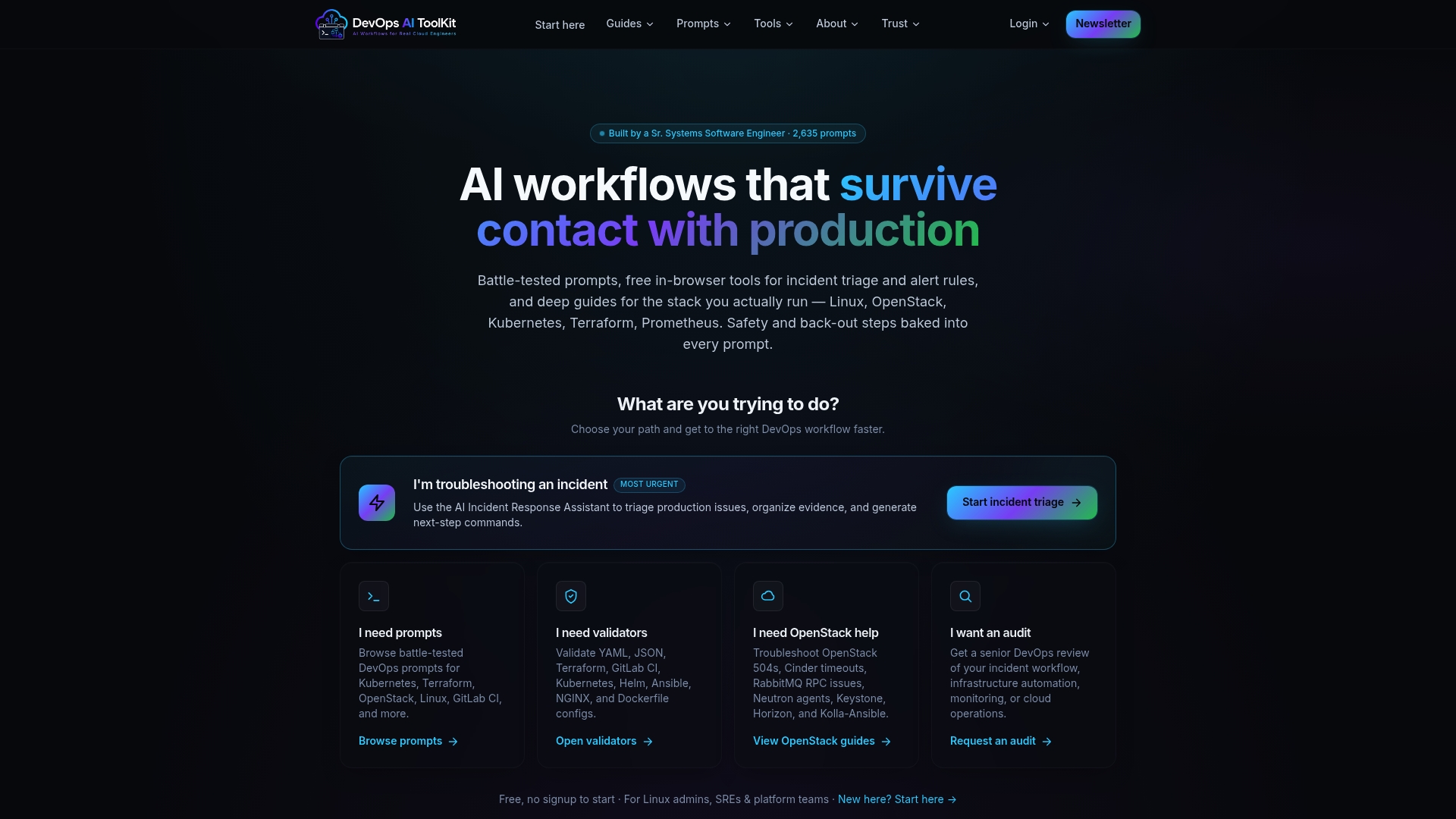
Built by a senior systems engineer, DevOps AI ToolKit provides prebuilt incident response prompts and validators for Kubernetes, Terraform, OpenStack, and Linux. The site ships downloadable incident response tools and prompt libraries you can run during an outage. Workflows include explicit safety checks and back out steps to reduce risk during interventions.
Core Features
The toolkit bundles AI-driven troubleshooting prompts that target Linux, Kubernetes, Terraform, and OpenStack, and it pairs those prompts with validators for YAML, JSON, Terraform, Kubernetes, and Helm. It also offers battle-tested incident response tools with documented safety and back out steps, plus comprehensive guides that explain how to apply prompts and validators in production. Prebuilt workflows cover triage, alert rule tuning, and configuration debugging.
Key Differentiator
Production-tested AI workflows come with integrated safety and back out steps tailored for live system recovery. That operational focus makes the content usable during an active incident rather than only for offline diagnostics. The emphasis on recoverable actions helps you avoid risky one-off fixes during high pressure events.
Pros
The content claims practical testing in production environments by a senior engineer, which shows up as pragmatic, low-noise prompts and stepwise runbook actions. Coverage spans major stacks so you can reuse prompts across Linux, Kubernetes, Terraform, OpenStack, and CI pipelines. The safety-first design gives explicit back out checks and rollback suggestions that reduce blast radius when you act. The toolkit provides free downloads and ready-to-run incident tools for quick adoption during an event.
Cons
- Limited enterprise features in the current release, including no team collaboration or shared workspaces, which are planned.
Who It’s For
If you are an infrastructure engineer, SRE, or platform team member responsible for critical cloud or on premise systems, this toolkit fits your daily needs. You rely on configuration validators and incident runbooks and want prompts that map to concrete recovery steps. Teams focused on automated triage, faster mean time to repair, and safer rollbacks will find value here.
Unique Value Proposition
Prebuilt incident response prompts map directly to runbook actions and include back out checks and validation commands. That design reduces the gap between a diagnostic suggestion and an executable recovery step. For an on-call engineer, the toolkit shortens decision time and lowers the chance of introducing further faults during a live recovery.
Real World Use Case
A platform engineer encounters a Kubernetes pod crash after a config rollout. They use the incident response assistant to triage the pod, run YAML validators on the deployment, and produce a recovery plan with explicit back out steps. The result is a validated rollback and restored service with lower risk of configuration drift.
Website: https://devopsaitoolkit.com
Argo CD
At a Glance
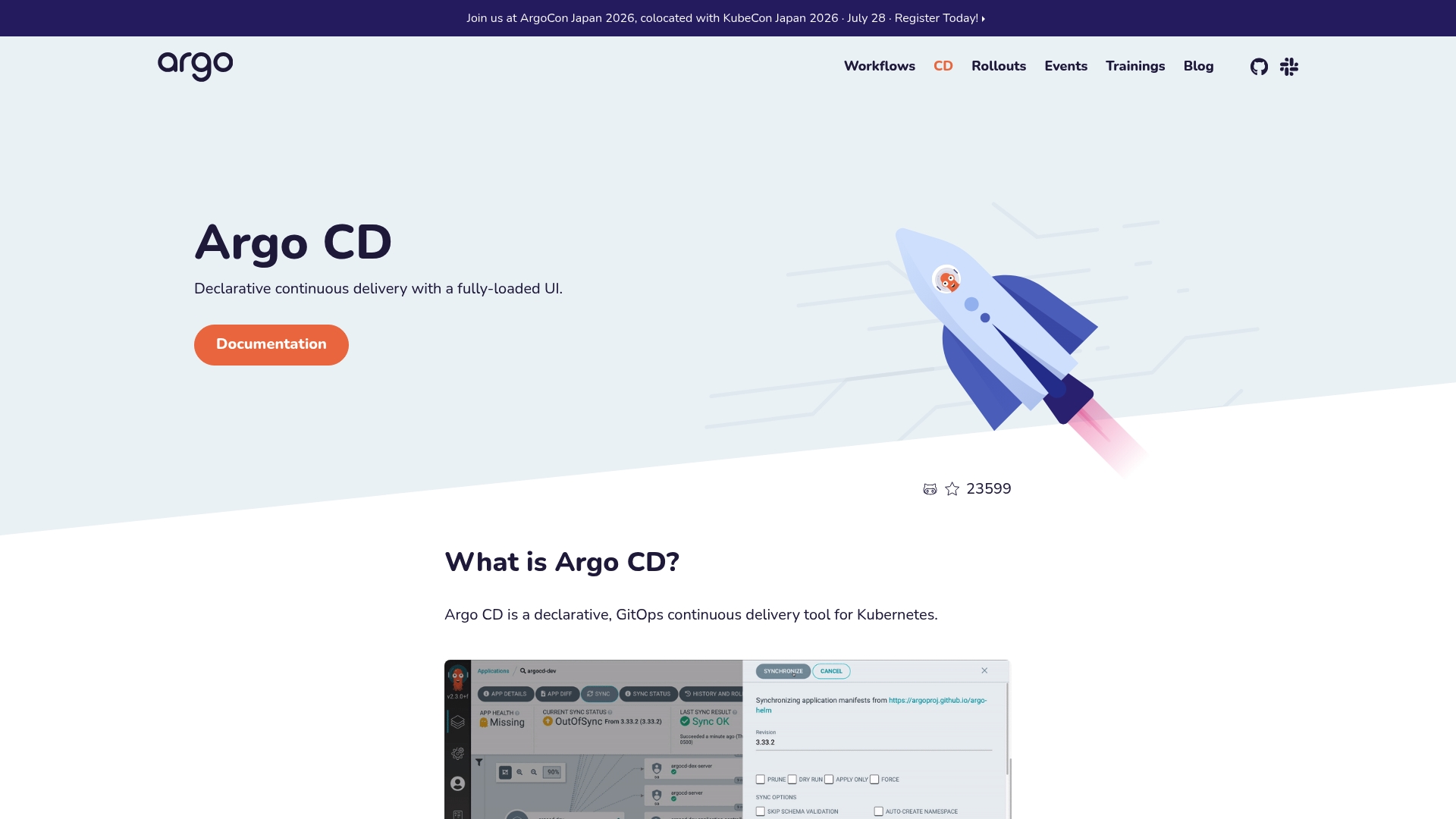
Application configurations live in Git and Argo CD applies them to Kubernetes clusters. The tool maps version controlled manifests to running applications and automates synchronization from repositories. Its documentation and a user friendly interface help teams inspect and roll back deployments.
Core Features
Argo CD implements declarative GitOps continuous delivery for Kubernetes and keeps application state synchronized with Git. A fully-loaded UI exposes application health, differences between Git and cluster, and sync controls while supporting automated rollbacks. The system accepts version controlled application configurations and integrates into CI pipelines for automated deployment workflows.
Key Differentiator
The interface focuses on making declarative configs tangible so you can manage them without exclusively using the command line. That fully-loaded UI reduces the friction of inspecting drift and performing controlled syncs. Teams that want visual audit trails for manifests benefit most from this design.
Pros
Argo CD enforces declarative, version controlled application management so Git becomes the single source of truth. The UI surfaces health, sync status, and history so debugging drift requires fewer cluster commands. It automates complex deployment flows and supports rollbacks, which reduces manual intervention during incidents. The tool integrates cleanly into Kubernetes workflows and common CI systems so pipelines can trigger syncs and track deployment progress.
Cons
- Limited third party review material exists, which makes independent community feedback harder to find. This can slow decision making for risk averse teams.
- Setup can feel complex for engineers new to Kubernetes and GitOps. Expect an initial learning curve for cluster configuration and repository layout.
- Argo CD depends on Kubernetes infrastructure and is not suitable where Kubernetes is not part of the stack.
Who It’s For
This tool fits DevOps teams and engineers operating critical Kubernetes applications who already follow GitOps practices. You should be comfortable with Git workflows and manifest authoring. Teams that need visual change history and automated syncs will get the most value.
Real World Use Case
A technology team configures Argo CD to watch a Git repository and apply changes to multiple clusters. Developers push manifest updates and Argo CD shows differences, runs the sync, and records the deployment history. When a release causes issues the team uses the UI to perform a rollback and confirm cluster state matches the previous commit.
Website: https://argoproj.github.io/cd
DevOpsCube
At a Glance
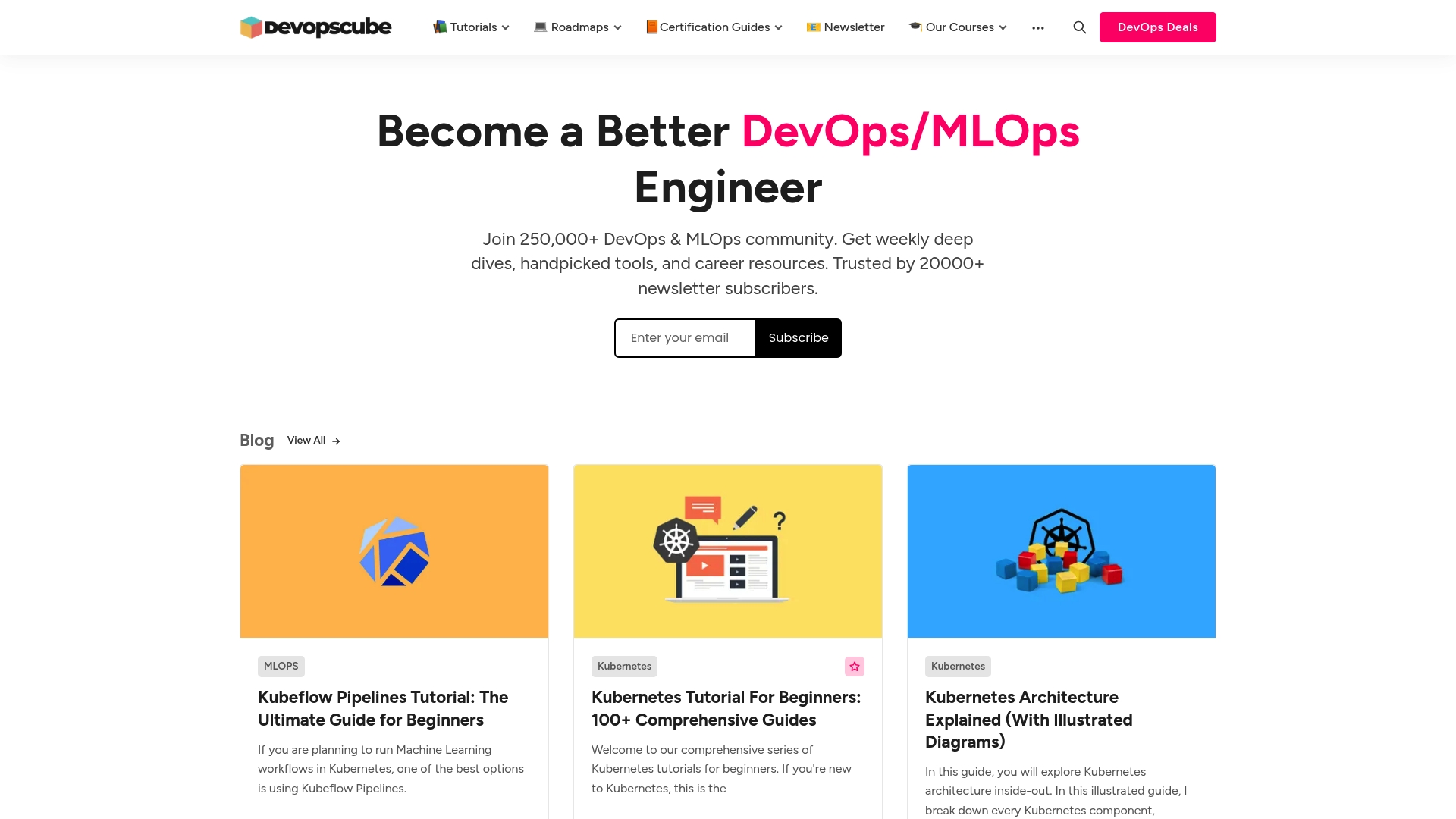
Founded in 2014 by Bibin Wilson, DevOpsCube publishes deep tutorials on Kubernetes, ArgoCD, Jenkins, and Prometheus. It pairs certification guides and career roadmaps with online courses and a buyer oriented newsletter. The site also maintains an active community for peer questions and curated tool recommendations.
Core Features
DevOpsCube centralizes practical tutorials and certification guides across cloud native tooling, with a strong focus on Kubernetes and ArgoCD content. The site offers online courses that cover container fundamentals and Kubernetes management through guided walkthroughs and example configurations. A regular newsletter, curated tools list, and community threads keep the editorial material connected to practitioner questions.
Key Differentiator
DevOpsCube stands out for combining up to date how to guides with a living community and named expert contributors such as Bibin Wilson. That pairing makes it easy to move from learning a concept to seeing how others implemented it in real deployments.
Pros
The site hosts a wide collection of tutorials, roadmaps, and certification guides that map learning paths from basics to operational topics. Frequent editorial updates and community activity help surface recent tooling changes and practical workarounds. Courses and guided materials focus on practical skills, and the newsletter highlights buyer oriented deals and curated utilities relevant to day to day operations.
Cons
- Primarily informational: the offering focuses on articles, guides, and courses rather than an interactive lab or hosted sandbox environment.
- No software product: there is no platform or managed service to run exercises inside the site.
- Navigation load: the breadth of topics can overwhelm newcomers who lack a clear starting point.
When It May Not Fit
If you need an in browser lab environment or a managed sandbox for hands on exercises, this resource will not meet that need. The content assumes some baseline cloud and DevOps knowledge, so absolute beginners may find the materials dense without a guided starter path.
Who It’s For
You are a DevOps engineer, cloud architect, or systems administrator who prefers self guided learning backed by community feedback. You will get the most value if you are preparing for Kubernetes or Prometheus certification or building service mesh and CI CD pipelines. The site suits practitioners who learn by reading examples and applying patterns to their clusters.
Real World Use Case
A DevOps engineer follows the Kubernetes tutorials and certification guides to design and deploy a production microservices stack. They use the site roadmaps to combine Istio service mesh patterns with CI CD pipelines and then discuss specific deployment issues in the community threads.
Website: https://devopscube.com
TrustInTech
At a Glance
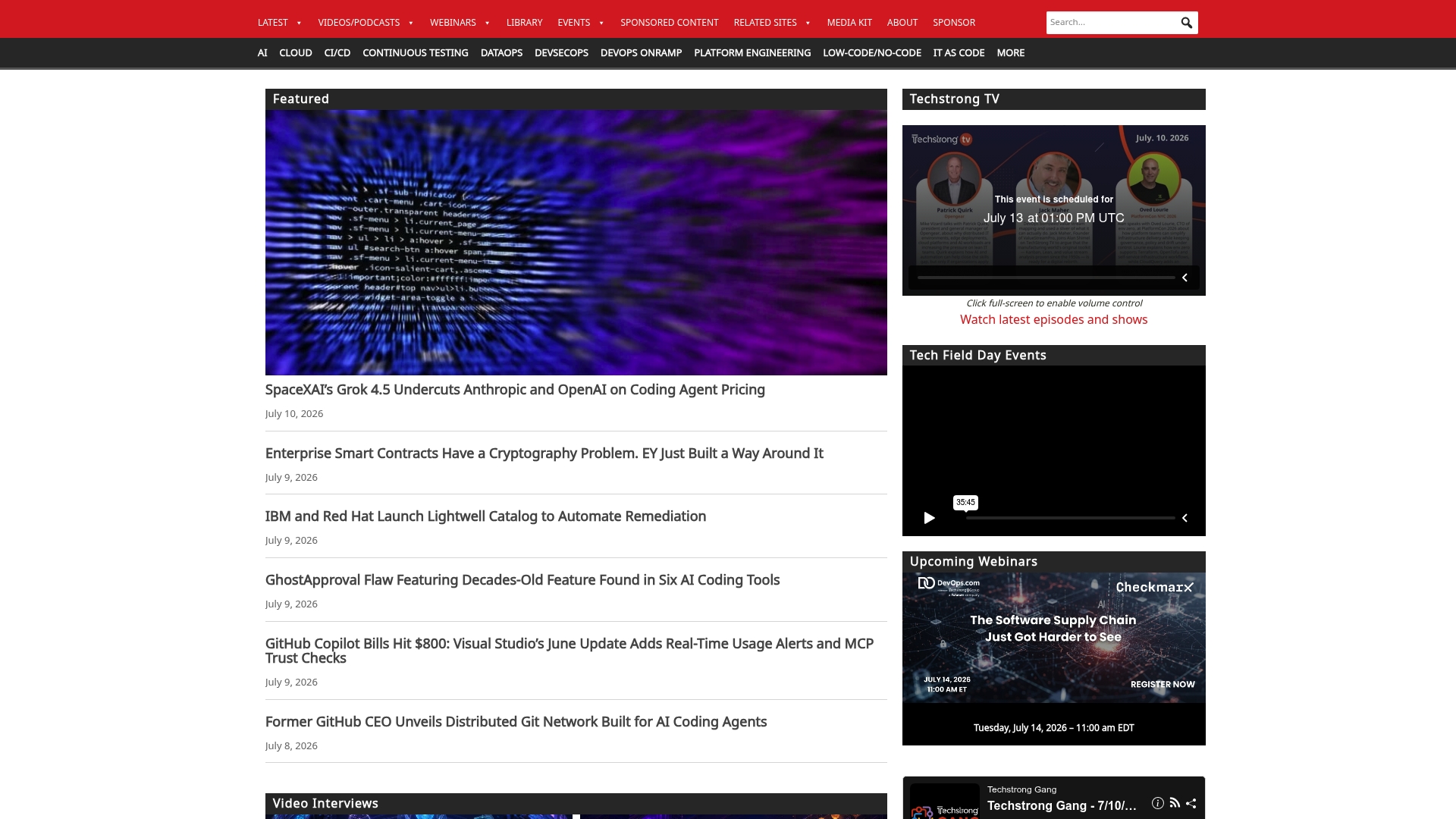
According to the company, TrustInTech claims the largest collection of original DevOps content and active industry engagement across webinars and podcasts. The site combines news, expert articles, and research reports for practical DevOps topics. Free access to articles and scheduled webcasts makes it easy to follow current tool and culture trends.
Core Features
TrustInTech publishes daily news and longform articles from industry experts, plus research reports and technical tips that address CI CD pipelines and infrastructure as code. The site hosts live webinars and on demand podcasts and videos that accompany event coverage and deeper interviews. Its calendar lists upcoming webcasts and events so you can plan which sessions to attend.
Key Differentiator
TrustInTech leans heavily on community engagement through regular live events and multimedia content. That combination of editorial depth and recurring webinars sets it apart from single author blogs or short form news feeds. For practitioners who prefer learning from conversations and replayable video, this editorial plus events model shortens the time from hearing about a tool to assessing whether it fits your stack.
Pros
The publication delivers broad coverage of tool announcements, cultural best practices, and deployment patterns that matter to platform and SRE teams. Content often comes from named practitioners and vendors, which helps you weigh practical trade-offs and next steps. The multimedia library of videos, podcasts, and written analysis supports different learning styles while keeping access free.
Cons
- Primarily editorial and events focused. It does not include hands on testing tools or downloadable automation templates.
- Limited step by step technical frameworks. Detailed how to guides and reproducible playbooks are not the site focus.
- No direct product or software offering. Readers must go elsewhere for hosted tooling and sandboxes.
When It May Not Fit
If you need a hosted tool, CI runners, or ready made automation templates, TrustInTech will not meet that need. Teams that require reproducible labs or turnkey scripts for immediate deployment will find the site lacking practical artifacts. Organizations building procurement criteria or running bake off tests will need to pair this editorial resource with hands on evaluation platforms.
Who It’s For
Platform engineers, release managers, SREs, and technical decision makers who want to track tool momentum and community discussion will get value from TrustInTech. Readers who prefer event based learning or need curated industry reporting benefit most. Anyone seeking executable code or hosted testbeds should treat it as a research and education resource rather than a delivery tool.
Real World Use Case
I used TrustInTech to follow a new CI runner announcement, watch the vendor webcast, and read expert commentary that highlighted real world failure modes. The timeline let me decide which feature to pilot in our staging cluster and which claims needed hands on tests. That sequence saved time by narrowing options before engineering invested in a proof of concept.
Website: https://devops.com
Agile Engineering Podcast
At a Glance
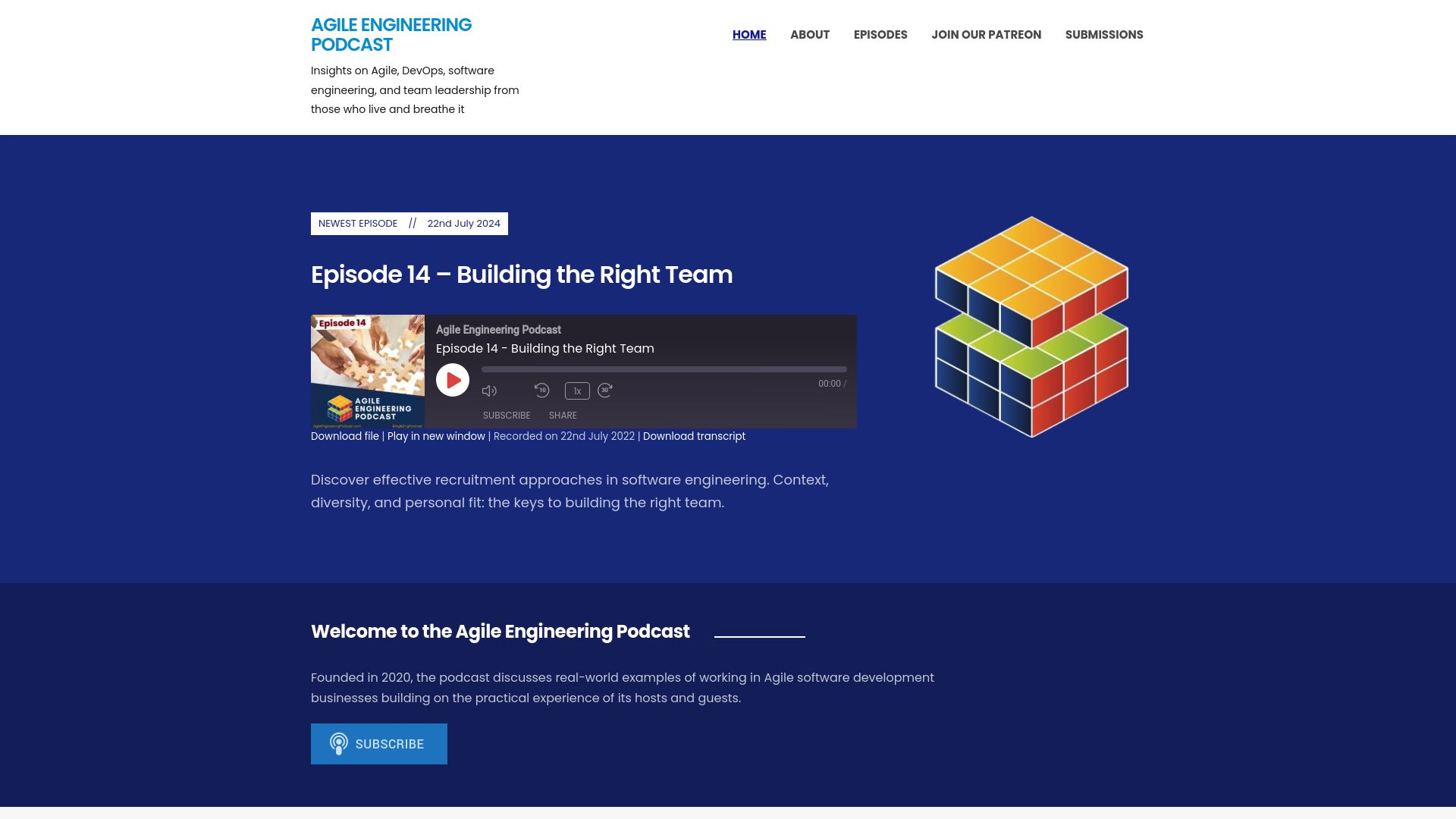
Founded in 2020 by industry experts, Agile Engineering Podcast publishes interviews and case discussions that focus on Agile, DevSecOps, engineering metrics, and leadership. Episodes blend practitioner stories with tactical advice for engineers and managers. The show aims to help teams apply real practices rather than argue theory.
Core Features
The feed centers on Podcast episodes that cover Agile practices, DevOps, security, leadership, and engineering metrics in single-episode deep dives. Episodes include expert interviews and real-world case discussions, with hosts asking for specific examples and trade offs. The editorial approach favors practical tips for team building, recruitment, and measuring engineering outcomes.
Key Differentiator
The podcast stands out for its practitioner-first interviews and case-driven format that foregrounds hands-on decisions and trade offs behind engineering processes. Episodes focus on actionable approaches guests actually used rather than abstract frameworks. That emphasis makes the show useful when you need concrete methods to try with your team.
Pros
The show delivers firsthand perspectives from experienced professionals, which helps you hear how teams solved real problems. It covers a broad set of topics relevant to modern engineering and leadership, so teams can pick episodes that match their immediate gaps. The format favors practical advice and clear examples, and the content suits listeners from junior engineers through senior managers seeking usable ideas.
Cons
-
Audio-only format may not suit learners who prefer slides, transcripts, or hands-on labs.
-
Episodic nature means the series is not a structured course or certification program and lacks a guaranteed learning path.
-
Depth and focus vary by guest; some episodes assume prior context and can feel light for advanced listeners.
-
The show offers limited interactivity and few hands-on resources to follow after listening.
When It May Not Fit
The podcast is a poor match if you need formal training, step-by-step tutorials, or interactive workshops. It will not replace classroom-style or cohort-based upskilling that requires assessments and guided labs. Teams seeking visual guides or bundled learning resources will find the audio format limiting.
Who It’s For
This series fits software engineers, engineering managers, team leads, Agile practitioners, and DevOps professionals who learn by listening. It matches people who value practitioner stories, trade off analysis, and tactical suggestions to adapt during sprints, retrospectives, or hiring cycles.
Real World Use Case
A mid-size engineering team plays selected episodes during onboarding and sprint retrospectives to spark discussion on process experiments. Managers extract specific interview takeaways to shape recruitment checklists, run targeted experiments in one sprint, and measure impacts on cycle time and team morale.
Website: https://agileengineeringpodcast.com
VNTechies
At a Glance
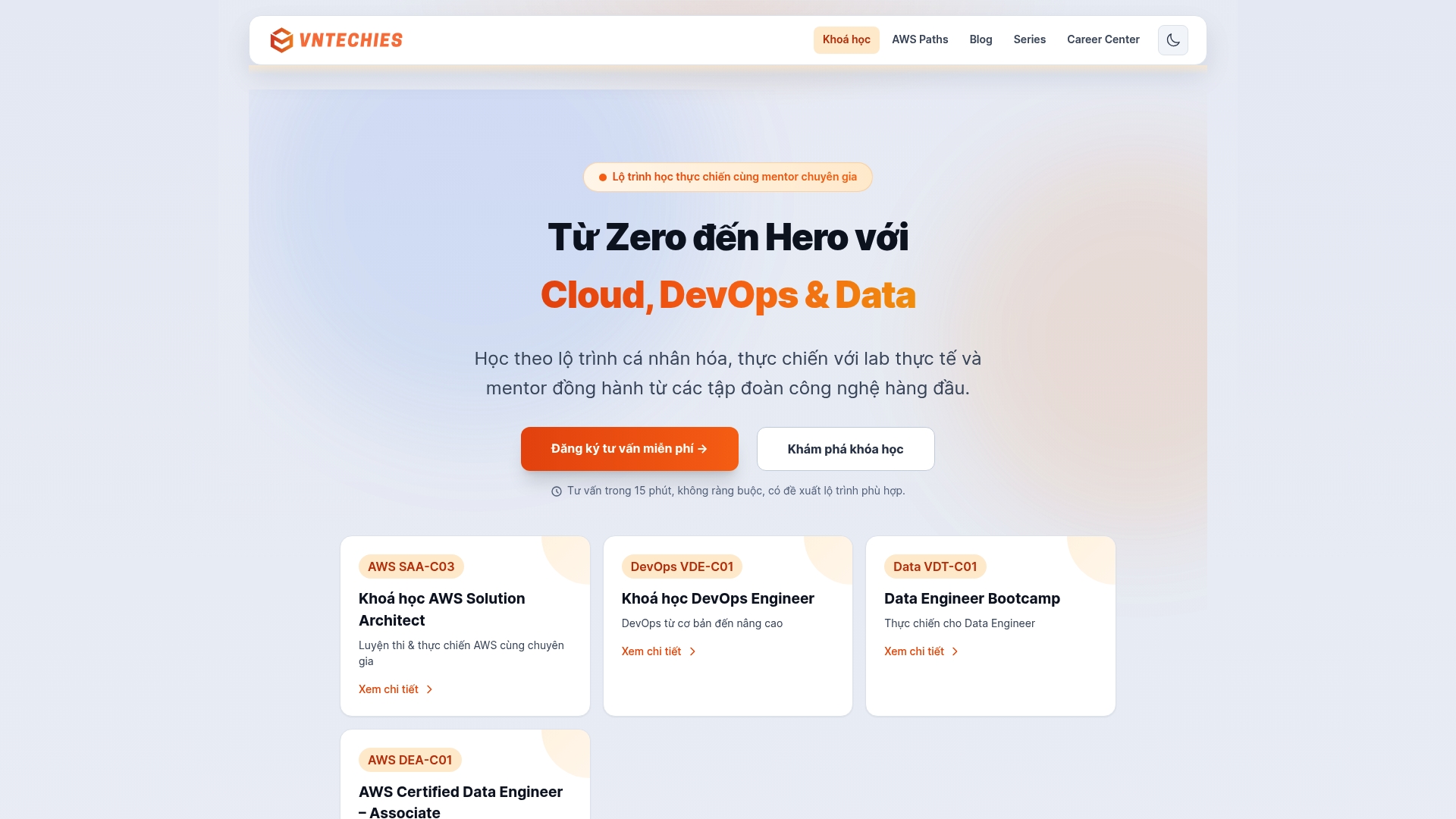
VNTechies reports a community of over 200 learners and more than 9 mentors drawn from multinational companies. That community focuses on practical Cloud, DevOps, and Data training with hands on labs and a career center. Courses span free and paid paths plus exam preparation and placement resources.
Core Features
VNTechies delivers personalized learning paths paired with mentor guidance and mentor reviews of student projects. The platform includes a dedicated lab environment for exercises and projects and a catalog of certification preparation tracks. It also offers career resources such as interview coaching and exam fee discounts.
Key Differentiator
I found the mentor guided project work to be the primary differentiation. Mentors who are active industry professionals review student artifacts and simulate interview feedback. That direct mentor involvement and career support shifts outcomes from theory to interview ready deliverables.
Pros
The curriculum emphasizes practical skill building over lectures, and projects map directly to common job tasks. Mentors are working professionals from multinational companies, which helps with realistic code review and interview simulation. The blend of free and premium offerings, plus exam fee discounts, lowers the barrier to certification and job placement for many learners.
Cons
-
Hands on labs can require extra setup or external cloud accounts, which creates friction for learners without a prepared environment.
-
Pricing may be relatively high for individuals who do not qualify for financial aid or discounts.
-
Course material can be highly technical and steep for students without prior background in Linux or cloud concepts.
When It May Not Fit
If you have an unstable home network or strict corporate firewall rules, the lab access limits may block full participation. If your training budget cannot take advantage of discounts or aid, the premium paths may feel expensive. Learners who prefer gentle, theory first pacing may find the hands on focus too intense.
Who It’s For
Practitioners and students in Vietnam aiming to move into cloud, DevOps, or data engineering roles will get the most from VNTechies. Early career engineers who need mentor feedback on projects and interview practice benefit strongly. Professionals preparing for AWS or similar cloud certifications will find the exam prep and discounts useful.
Real World Use Case
A software engineer follows the VNTechies AWS certification path, completes the hands on labs, and refines a portfolio project under mentor review. They use the platform exam discount to reduce cost and then pass the certification. That certification and portfolio work helped them secure an interview and an offer at a multinational company.
Pricing
Pricing varies by course. Options range from free introductory tracks to premium packages with combo and group discounts, flexible payment plans, and financial aid for eligible learners.
Website: https://vntechies.dev
Comparison of alternatives
DevOps AI ToolKit distinctly provides content and recovery workflows tailored for live Kubernetes incidents, setting it apart from its competitors. Below, we analyze key differences across workflow direction, community engagement, and recovery guidance among alternatives.
Workflow and Interface Focus
Argo CD excels in the realm of Kubernetes application management. By enforcing declarative configurations and syncing with Git repositories, Argo CD reduces the complexity of detecting drift and performing rollbacks—a fundamental advantage for Kubernetes application operators. DevOps AI ToolKit, in contrast, provides safety-focused recovery workflows ideal for immediate troubleshooting. While both products support Kubernetes operations, their respective focuses cater to different stages of a development process.
Practical Skill Development and Certification Preparation
VNTechies offers in-depth mentorship and hands-on labs for professionals seeking guided training in DevOps and cloud-native technologies. This personalization, paired with project feedback from seasoned mentors, makes it a strong resource for career transitioning or rigorous skill building. Meanwhile, DevOps AI ToolKit provides workflows that suit practitioners already experienced in these areas but seeking tools to address live errors.
Best fit
- Incident response strategy creation: DevOps AI ToolKit aids engineers requiring deployable runbooks and recovery steps validated against known risks.
- Declarative Kubernetes management: Choose Argo CD if automated syncs and Git-centric configurations dominate your workflow.
- Deep tutorials and learning paths: DevOpsCube provides resources for engineers refining their tool understanding or preparing for certifications, including Kubernetes topics.
- Lab-focused technical growth: VNTechies supports individuals needing career-ready projects with feedback from mentors.
- Community-centric operational insights: TrustInTech fits readers interested in tracking industry DevOps trends and participating in discussions and webinars.
Our pick
DevOps AI ToolKit stands out for teams prioritizing the inclusion of recoverable actions and system recovery validation workflows in their operations toolkit. Its production-tested prompts and validators map directly to incident triage scenarios for Kubernetes, Terraform, and CI pipelines. Engineers already confident in cloud-native fundamentals gain the most, especially when immediate troubleshooting, mitigation, and system recovery actions are required during critical outages.
DevOps and workflow automation tools for Kubernetes cater to diverse professional needs, offering distinct features tailored to specific use cases. The following table presents a comparison of these tools based on their unique characteristics.
| Tool | Core Feature | Key Differentiator | Best For | Limitations |
|---|---|---|---|---|
| Devopsaitoolkit | AI-driven troubleshooting with validators | Prebuilt safety checks for live recovery | Infrastructure engineers and SREs | Limited enterprise collaboration features |
| Argo CD | Declarative GitOps continuous delivery | Fully-loaded UI for visual drift inspection | DevOps teams following GitOps | Requires Kubernetes infrastructure |
| DevOpsCube | Tutorials and certification guides | Active community with named expert contributors | Self-guided learners | No interactive lab environment for exercises |
| TrustInTech | Editorial content with live webinars | Multimedia content with industry expert insights | Platform engineers, SREs | Lacks hands-on testing tools |
| Agile Engineering Podcast | Podcast episodes on Agile and metrics | Practical interviews with engineering trade-offs | Engineering managers and team leads | Audio-only format may limit learning preferences |
| VNTechies | Mentor-supported hands-on training | Direct mentor guidance on industry projects | Early-career engineers in Vietnam | Requires external resources for some exercises |
Choosing kubekanvas.io Alternatives That Match Your Kubernetes Needs
Finding the right tool to handle Kubernetes configurations and troubleshoot live environments demands clear guidance and tested workflows. Engineers and platform teams searching for kubekanvas.io alternatives want practical prompts that lead directly to concrete recovery steps while safeguarding production systems.
Devopsaitoolkit offers AI-driven incident response prompts designed specifically for Kubernetes and Helm. Its workflows integrate safety checks and rollback steps to reduce risks during live recoveries. Explore the collection of prompts and validators in the AI for Kubernetes & Helm category or browse the full set of AI workflows at Devopsaitoolkit main site. Tap into tested methods that shorten troubleshooting time and help maintain cluster stability.
FAQ
What unique capabilities does Devopsaitoolkit offer?
Devopsaitoolkit provides AI-driven troubleshooting prompts targeting Kubernetes, Terraform, and OpenStack. The toolkit features explicit safety checks and rollback steps to reduce risk during interventions. Consider using Devopsaitoolkit for systematic incident recovery and enhanced decision-making during outages.
What is the difference between Devopsaitoolkit and Argo CD?
Argo CD features a fully-loaded UI that allows teams to visualize deployment health and perform automated rollbacks effectively. In contrast, Devopsaitoolkit excels with incident response prompts that include safety checks for live system recovery. For teams that need rapid recovery and diagnostic assistance, Devopsaitoolkit remains the better fit.
Which resource focuses on certification preparation and hands-on labs?
VNTechies emphasizes personalized learning paths and provides hands-on lab environments for skill-building. Devopsaitoolkit, on the other hand, is tailored for incident response during operational events and excels in providing timely recovery steps. Explore both to gain a well-rounded skill set.
Can I access practical guides and community support at Devopsaitoolkit?
Devopsaitoolkit offers a collection of battle-tested incident response tools and documented safety procedures. If you’re looking for reliable guidance during outages, Devopsaitoolkit can serve as a critical resource for your team.
How does the emphasis on safety in Devopsaitoolkit impact its usability?
Devopsaitoolkit incorporates explicit back out steps, which are essential for minimizing risks during incident recovery actions. This design enhances the usability of Devopsaitoolkit in high-stress situations, making it an effective choice for on-call engineers handling critical incidents.
Recommended
- Top 4 Sources for hyground.ai Alternatives 2026
- Slack Canvas for Living Runbooks: Keep Ops Docs Where the
- Managing Kubernetes Config With Kustomize Overlays
- Disk Pressure, Image GC, and Why the Kubelet Evicted Your
Get 500 Battle-Tested DevOps AI Prompts — Free
500 battle-tested, copy-paste AI prompts engineered by a senior systems engineer — every one with fill-in placeholders and safety/back-out notes. Drop your email and it's yours.
- 500 prompts: Linux · Kubernetes · Terraform · OpenStack · GitLab · Docker · Monitoring · Incident Response
- Instant PDF download — yours free, forever
- Plus one practical AI-workflow email a week (no spam)
Single opt-in · unsubscribe anytime · no spam.