
GitLab Pipeline Automation Examples: 2026 Practical Guide
Discover key GitLab pipeline automation examples to optimize your CI/CD workflows. This guide simplifies automation for maximum efficiency.

GitLab pipeline automation is the practice of defining CI/CD workflows as YAML configurations in .gitlab-ci.yml that run automatically on code events. The best gitlab pipeline automation examples cover everything from simple job sequencing to dynamic parent-child pipelines, and the gap between those two ends of the spectrum is where most teams lose hours every week. GitLab CI/CD, the industry-standard term for this system, gives you a declarative model where stages, jobs, artifacts, and rules combine into repeatable, auditable workflows. This guide walks through the patterns that actually matter in production.
1. What are the fundamental GitLab pipeline automation examples every engineer should know?
Sequential job definitions using stages: [build, test, deploy] are the foundation of every GitLab CI/CD workflow. Each stage runs after the previous one completes, giving you a predictable execution order without any extra tooling.

Artifact sharing is the first place most teams find real time savings. Artifact-based data sharing between jobs eliminates redundant builds, cutting build times from 5–10 minutes down to under 2 minutes. That translates to 15–20 hours saved per week for active teams. You declare artifacts in the producing job and GitLab passes them automatically to downstream jobs in later stages.
Caching is the second lever. Aggressive caching of dependencies like composer and npm accelerates build times by up to 70% in frequent-commit environments. The key is scoping your cache key to the lock file, not the branch, so cache hits survive across feature branches.
- Define
cache:keyusing${CI_COMMIT_REF_SLUG}or lock file hash for maximum reuse. - Use
artifacts:pathsto pass compiled binaries, test reports, or coverage files between stages. - Set
artifacts:expire_into avoid storage bloat on long-running projects. - Separate cache from artifacts conceptually: cache speeds up jobs, artifacts carry outputs forward.
Pro Tip: Run the GitLab CI Lint tool against your .gitlab-ci.yml before every push. It validates syntax instantly and catches errors that would otherwise burn runner minutes on a doomed pipeline.
2. How do parallel jobs, DAG pipelines, and manual gates improve automation?
Parallel jobs cut pipeline duration by running independent test suites or build targets simultaneously. Instead of running unit tests, integration tests, and linting in sequence, you split them into parallel jobs within the same stage. The stage only completes when all parallel jobs finish, but the wall-clock time drops to the duration of the slowest job.
Directed Acyclic Graph pipelines using the needs keyword take this further. With needs, a job can start the moment its specific prerequisites finish, regardless of what stage those prerequisites belong to. This breaks the rigid stage barrier and lets you build execution graphs that match your actual dependency tree.
- Define
needs: [job_name]on any job that depends on a specific upstream job. - Combine
needswithparallel:matrixto fan out builds across multiple environments or platforms. - Use
when: manualon deployment jobs to insert a human approval gate before production. - Pair manual gates with
allow_failure: falseso the pipeline blocks until a human approves. - Add
environment: productionto manual deployment jobs to track deployment history in GitLab’s environment dashboard.
Teams adopting parallel testing with automated staging report production error rates dropping by more than 85%. That number reflects what happens when you catch failures in staging before they reach users.
The when: manual pattern deserves special attention. Manual gates enforce human-in-the-loop checkpoints before production deployment, which is the right call for any system where a bad release costs real money. Automation handles the mechanical work; humans handle the judgment call.
You can also pair DAG pipeline optimization with AI assistance to generate the needs graph for complex projects automatically, which saves significant planning time on large codebases.
3. What pipeline automation patterns support monorepo and microservices architectures?
Monorepos are where basic pipeline automation breaks down. Running a full build and test suite on every commit, regardless of which service changed, wastes runner time and slows feedback loops. The solution is Dynamic Child Pipelines.
Dynamic Child Pipelines generate configurations on the fly based on which microservices changed in a given commit. A parent pipeline runs a script that inspects the diff, produces a child .gitlab-ci.yml tailored to the changed services, and triggers it using trigger:include. Only the affected services build and deploy. Devopsaitoolkit covers this pattern in depth for teams managing AI-assisted dynamic child pipelines at scale.
- Parent pipeline: Detects changed services, generates child YAML, triggers child pipeline via
trigger:include:artifact. - Child pipeline: Contains only the build, test, and deploy jobs relevant to changed services.
- Workflow rules: Control which events trigger the parent pipeline at all.
Using workflow:rules prevents redundant pipeline runs when both a branch push and a merge request event fire for the same commit. This is a critical practice at enterprise scale, where wasted runs add up to real cost.
| Pattern | Best for | Key keyword |
|---|---|---|
| Parent-child pipelines | Monorepos with shared infrastructure | trigger:include |
| Dynamic child pipelines | Microservices with independent deploy cycles | trigger:include:artifact |
| Workflow rules | Preventing duplicate pipeline runs | workflow:rules |
| Environment lifecycle | Tracking deployments per service | environment:name |
Pro Tip: Lock your parent pipeline to a lightweight Docker image. The parent job only needs shell tools to inspect diffs and generate YAML. Using a full application image here adds unnecessary startup time to every pipeline run.
The parent-child pipeline architecture has hard limits on nesting depth and artifact size. Know those limits before you design your orchestration layer, or you will hit them in production at the worst possible moment.
4. Which automation examples enhance deployment workflows and environment management?
The environment keyword in GitLab CI/CD does more than label a deployment. It creates a tracked deployment record in the GitLab UI, stores the deployment URL, and enables one-click rollback to any previous successful deployment. Every production deployment job should declare environment: name: production and environment: url: to get this tracking for free.
Protected environments pair with manual gates to enforce who can approve production deployments. You configure a protected environment in GitLab settings, assign approver roles, and GitLab blocks the manual job from running until an authorized user clicks approve. This is the pattern that deployment approval gates rely on for production safety.
- Use
CI_ENVIRONMENT_SLUGin deployment scripts to namespace resources per environment automatically. - Store secrets as masked CI/CD variables scoped to specific environments, not as plain text in
.gitlab-ci.yml. - Use
environment:on_stopwith a cleanup job to tear down review app environments when merge requests close. - Automate release notes and changelogs directly from your pipeline using the GitLab releases API.
Secrets management is the area where teams most often cut corners. Never hardcode credentials in your YAML. GitLab CI/CD variables support masking, protection by branch, and environment scoping. Use all three. A variable scoped to production and protected to the main branch cannot leak into a feature branch pipeline, even if a developer tries to print it.
Key takeaways
GitLab pipeline automation works best when you layer features deliberately: start with stages and artifacts, add caching and parallelism, then introduce DAG dependencies and dynamic child pipelines as your project complexity grows.
| Point | Details |
|---|---|
| Artifacts cut build time | Sharing artifacts between jobs reduces build times by up to 80%, saving teams hours per week. |
| DAG pipelines speed execution | The needs keyword breaks stage barriers and lets jobs start as soon as their dependencies finish. |
| Manual gates protect production | Using when: manual with protected environments enforces human approval before every production deploy. |
| Dynamic child pipelines scale monorepos | Generating pipeline YAML on the fly ensures only changed services build and deploy. |
| Workflow rules prevent waste | workflow:rules stops duplicate pipeline runs from branch pushes and merge request events firing together. |
What I have learned from years of automating GitLab pipelines
The engineers who get the most out of GitLab CI/CD are not the ones who read the docs once and build the perfect pipeline on day one. They are the ones who start with a working three-stage pipeline and add complexity only when a real problem demands it.
I have seen teams jump straight to dynamic child pipelines before they had reliable caching in place. The result was a sophisticated architecture that still took 12 minutes per run because nobody had set a proper cache:key. Get the basics right first. Caching and artifact sharing will give you more return per hour of effort than any advanced feature.
The other thing I keep coming back to is runner configuration. Locking runner tags on jobs using shared runners creates queue bottlenecks that are hard to diagnose. Flexible runner assignment improves throughput significantly. If your pipelines are slow and your YAML looks fine, check the runner queue before you refactor anything.
On the human side: do not automate away every gate. Manual approval for production is not a sign of weak automation. It is a sign of mature engineering. The goal is to automate the mechanical work and keep humans in the loop for decisions that carry real risk. That balance is what separates a reliable CI/CD system from one that deploys broken code at 2 AM.
If a pipeline starts failing intermittently, treat it like a production incident. A systematic debugging approach for failing pipelines saves far more time than random trial-and-error fixes.
— James
GitLab automation resources at Devopsaitoolkit
Devopsaitoolkit publishes practical automation guides, prompt libraries, and workflow templates built specifically for engineers running GitLab, Kubernetes, Prometheus, and Linux in production.
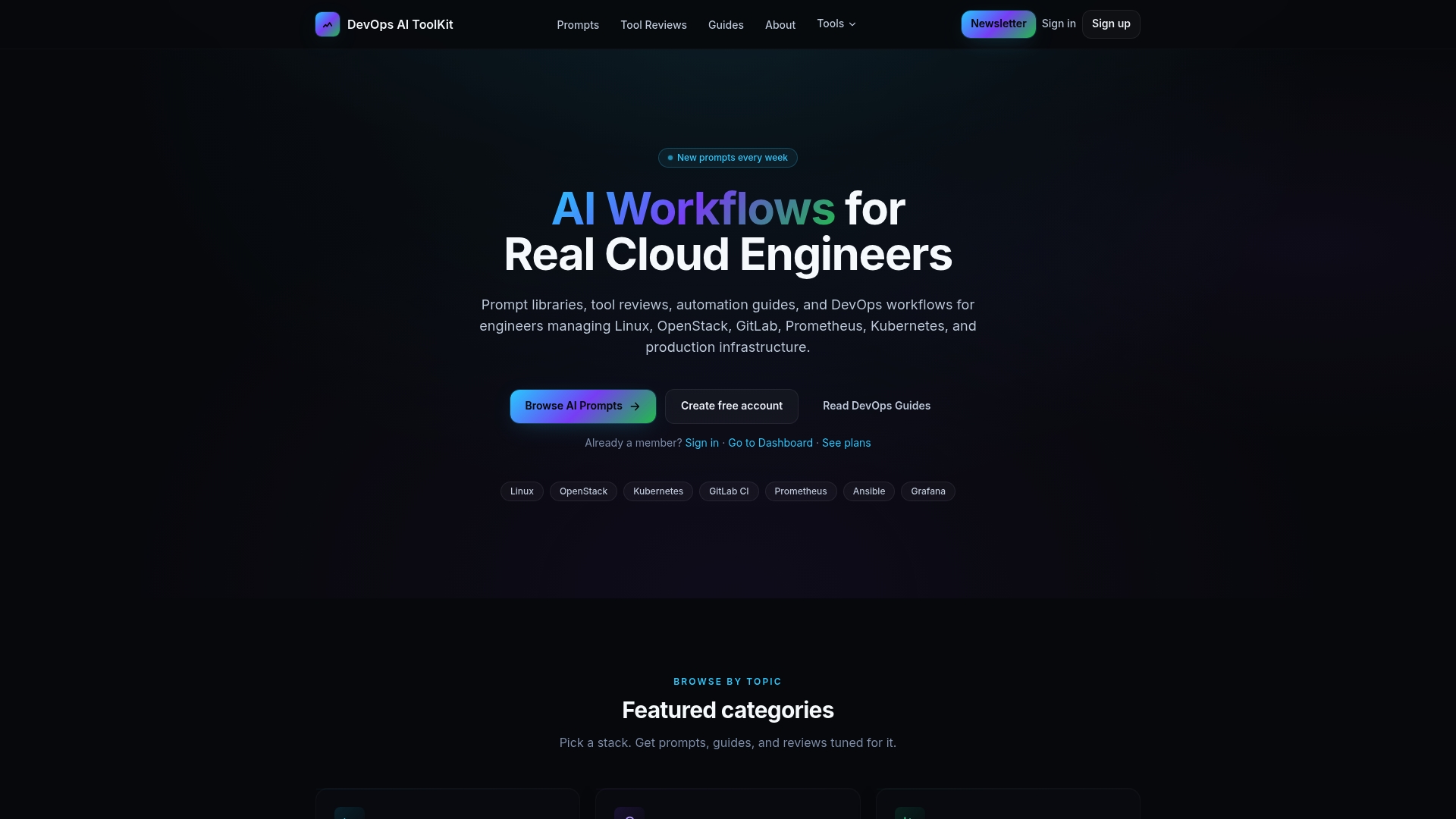
The AI workflows for cloud engineers at Devopsaitoolkit cover the full CI/CD spectrum, from basic pipeline setup to dynamic child pipeline generation with AI assistance. If you manage monorepos or multi-project pipelines, the prompt packs and logging libraries on the site integrate directly with GitLab CI/CD scripting. Engineers who work with Bash-heavy pipelines will find the Bash logging library useful for structured output in pipeline jobs. The guides are written by practitioners, for practitioners, with no filler.
FAQ
What is a .gitlab-ci.yml file?
A .gitlab-ci.yml file is the YAML configuration that defines all jobs, stages, and rules for a GitLab CI/CD pipeline. GitLab reads it automatically on every push and runs the defined workflow on a runner.
How does the needs keyword differ from stages?
Stages run jobs in a fixed sequence where every job in a stage must finish before the next stage starts. The needs keyword lets a job start as soon as its specific upstream jobs complete, regardless of stage boundaries.
When should I use dynamic child pipelines?
Use dynamic child pipelines in monorepos or microservices architectures where you need to build and deploy only the services affected by a given commit. Generating pipeline YAML on the fly based on changed files keeps pipelines fast and targeted.
How do I prevent duplicate pipeline runs in GitLab?
Add workflow:rules to your .gitlab-ci.yml to explicitly define which events trigger a pipeline. This stops GitLab from running separate pipelines for both a branch push and its associated merge request event on the same commit.
What is the safest way to manage secrets in GitLab CI/CD?
Store secrets as masked, protected CI/CD variables scoped to specific environments in GitLab project settings. Never write credentials directly in .gitlab-ci.yml, and scope production secrets to the main branch only.
Recommended
- Using AI to Explain and Document an Inherited GitLab
- Cutting Your GitLab CI Bill: A Practical Guide to Pipeline
- Debugging a Failing GitLab Pipeline: A Systematic Approach — DevOps AI ToolKit
- Scheduled Pipelines in GitLab: Nightly Builds and Cron Jobs
Get 500 Battle-Tested DevOps AI Prompts — Free
500 battle-tested, copy-paste AI prompts engineered by a senior systems engineer — every one with fill-in placeholders and safety/back-out notes. Drop your email and it's yours.
- 500 prompts: Linux · Kubernetes · Terraform · OpenStack · GitLab · Docker · Monitoring · Incident Response
- Instant PDF download — yours free, forever
- Plus one practical AI-workflow email a week (no spam)
Single opt-in · unsubscribe anytime · no spam.