
DevOps Workflow Automation Benefits for Engineers in 2026
Discover the devops workflow automation benefits in 2026, boosting your team's speed, quality, and reliability in software delivery.
- #automation
- #devops
- #ci-cd
- #workflow
- #productivity

DevOps workflow automation is defined as the practice of replacing manual, repetitive tasks across the software delivery pipeline with scripted or AI-driven processes that execute consistently and at scale. The devops workflow automation benefits are measurable: elite teams deploy 208 times more frequently than low performers, according to the DORA 2019 State of DevOps report. Tools like GitHub Copilot, Cursor, and AI-integrated CI/CD platforms are accelerating this gap further in 2026. If you manage production infrastructure on Kubernetes, GitLab, or OpenStack, understanding exactly where automation pays off is the difference between shipping fast and shipping reliably.
1. What are the top DevOps workflow automation benefits?
Speed, quality, consistency, and cost reduction are the four core advantages of automating your DevOps workflows. Each one compounds the others when your toolchain is properly integrated.

Speed to market
Automated CI/CD pipelines remove the human bottleneck from build, test, and deploy cycles. A developer merges a pull request in GitLab, and the pipeline runs lint checks, unit tests, integration tests, and a staged rollout without anyone clicking a button. That kind of throughput is why 99% of organizations report positive business impact from DevOps practices centered on automation.
Improved software quality
Automated testing catches regressions before they reach production. Tools like Selenium, pytest, and JUnit run on every commit, giving your team a signal within minutes rather than days. The feedback loop tightens, and defect escape rates drop.
Consistency and reliability
Automation solves the “works on my machine” problem by enforcing identical environments across dev, staging, and production. Consistency and reliability reduce configuration drift and lower Mean Time to Recovery when incidents do occur. Atlassian and Salesforce both cite this as automation’s most underrated benefit.
Cost optimization
Automated resource scaling in Kubernetes or OpenStack means you stop paying for idle compute. Scheduled jobs handle off-hours tasks without on-call engineers. Over a quarter, those savings add up to real budget relief.
Pro Tip: Before automating anything, map the process on a whiteboard. If the manual steps are inefficient, automation will just make the inefficiency faster.
2. How do AI-powered tools enhance DevOps automation advantages?
AI tools represent the next layer on top of traditional automation. They move from scripted instructions to goal-oriented execution, which is a meaningful shift in what your pipelines can do without human input.
GitHub Copilot and Cursor with Agent mode
GitHub Copilot and Cursor reduce lead time by generating boilerplate, writing tests, and suggesting fixes across multiple files simultaneously. Cursor’s Agent mode can execute multi-file refactors autonomously, which cuts the time engineers spend on scaffolding from hours to minutes. Both tools run at typical subscription costs of $15–$20 per user per month.
Agentic AI for autonomous remediation
Agentic AI shifts the model from “run this script when X happens” to “watch the system, detect the pattern, and fix the problem.” DevOps AI agents autonomously watch systems, detect anomalies, and trigger remediation without waiting for a human to page in. That reduces human toil significantly on teams managing large Kubernetes clusters or multi-region deployments.
Quantified impact on MTTR and deployment cycles
The numbers here are worth paying attention to. Automated incident detection and remediation can reduce Mean Time to Resolution by 40–60% and cut deployment cycles by 30%. That is not a marginal improvement. It means your on-call rotation sleeps better and your release cadence doubles without adding headcount.
“Agentic AI automation shifts focus from scripted instructions to goal-oriented task execution, enabling autonomous remediation and system healing.” — Workato, 2026
3. What categories of DevOps automation tools deliver these benefits?
DevOps automation tool categories break down into five distinct areas, each targeting a different part of the delivery pipeline. Knowing which category solves which problem saves you from buying tools that overlap or leave gaps.
CI/CD platforms are the foundation. GitLab CI and GitHub Actions give you declarative pipeline definitions that version-control your delivery process alongside your application code. That alone eliminates the “who changed the deploy script” problem.
Infrastructure as Code tools like Terraform and Ansible handle environment consistency at the provisioning layer. When your staging environment is defined in code, drift becomes detectable and correctable automatically. Pulumi extends this with full programming language support, which many teams find more expressive than HCL.
Monitoring tools like Prometheus and Grafana feed telemetry into your automation loops. When your observability stack shares data with your incident response tools, you get self-healing loops that can restart failed services, scale pods, or roll back deployments without human intervention.
Security automation tools like Checkov and Trivy run policy checks inside your CI pipeline. You can find more on integrating these into your delivery process in this CI/CD security tools guide from Devopsaitoolkit.
4. What are the best practices to maximize automation effectiveness?
Getting the most from your automation investment requires more than installing tools. The teams that see the biggest gains treat automation as a system, not a collection of scripts.
Do not automate a broken process
Automating a flawed process only accelerates failures. If your manual deploy process has undocumented steps and tribal knowledge baked in, scripting it will encode those problems permanently. Fix the process first, then automate it.
Build integrated toolchains that share telemetry
Automation tools that operate in silos produce incomplete signals. Successful automation requires integrated tools sharing telemetry data to enable autonomous self-healing loops. Connect your CI/CD output to your observability stack, and connect your observability stack to your incident response tooling.
Adopt incrementally and measure everything
Pick one pipeline stage to automate first. Measure deployment frequency, lead time, and change failure rate before and after. Atlassian’s DevOps metrics framework uses exactly these four DORA metrics as the baseline. Without measurement, you cannot prove ROI or identify where the next bottleneck lives.
Tune your observability to avoid alert fatigue
Improper automation can increase alert fatigue. Naive alerting rules that fire on every threshold breach will train your team to ignore pages. Define clear Service Level Objectives in Prometheus or Datadog, and alert only on SLO burn rate, not raw metrics.
Pro Tip: Use AI triage tools to pre-filter alerts before they hit your on-call engineer. Devopsaitoolkit has a practical guide on AI-assisted incident triage that cuts the noise significantly.
- Map your current pipeline end-to-end before writing a single automation script
- Version-control all pipeline definitions alongside application code
- Set DORA metrics as your baseline before and after each automation change
- Define SLOs in your monitoring stack before enabling automated alerting
- Review developer productivity gains quarterly and retire automation that no longer delivers value
Key takeaways
DevOps workflow automation delivers the highest return when speed, consistency, and AI-driven remediation work together across an integrated toolchain rather than in isolated scripts.
My honest read on where automation is actually heading
I have watched a lot of teams adopt automation in waves. The first wave was CI/CD: get the build automated, get tests running on every commit. That was the right call and most teams have it now. The second wave was Infrastructure as Code, and that one took longer because it required a mindset shift from “I configure servers” to “I write code that configures servers.”
The third wave is agentic AI, and it is the most disruptive of the three. I have seen engineers cut their incident response time in half not by writing better runbooks but by letting an AI agent read the runbook and execute it. That is a real productivity shift, not a demo.
What I keep telling teams is this: the bottleneck is rarely the tool. It is the process the tool is automating. I have seen Terraform deployments that were faster than the manual process but still took 45 minutes because the underlying architecture required sequential provisioning. The automation was correct. The architecture was the problem.
The teams winning in 2026 are the ones who treat automation as a feedback mechanism, not a one-time project. They measure, they tune, they retire scripts that no longer earn their keep. They also resist the urge to automate everything at once. Incremental adoption with clear metrics beats a big-bang rollout every time.
If you are just getting started, pick your worst manual pain point, automate that one thing, and measure the result. The confidence you build from one successful automation will carry you further than any vendor roadmap.
— James
How Devopsaitoolkit helps you put these benefits to work
Devopsaitoolkit is built specifically for cloud engineers who need practical automation they can deploy today, not theory they have to translate into production.
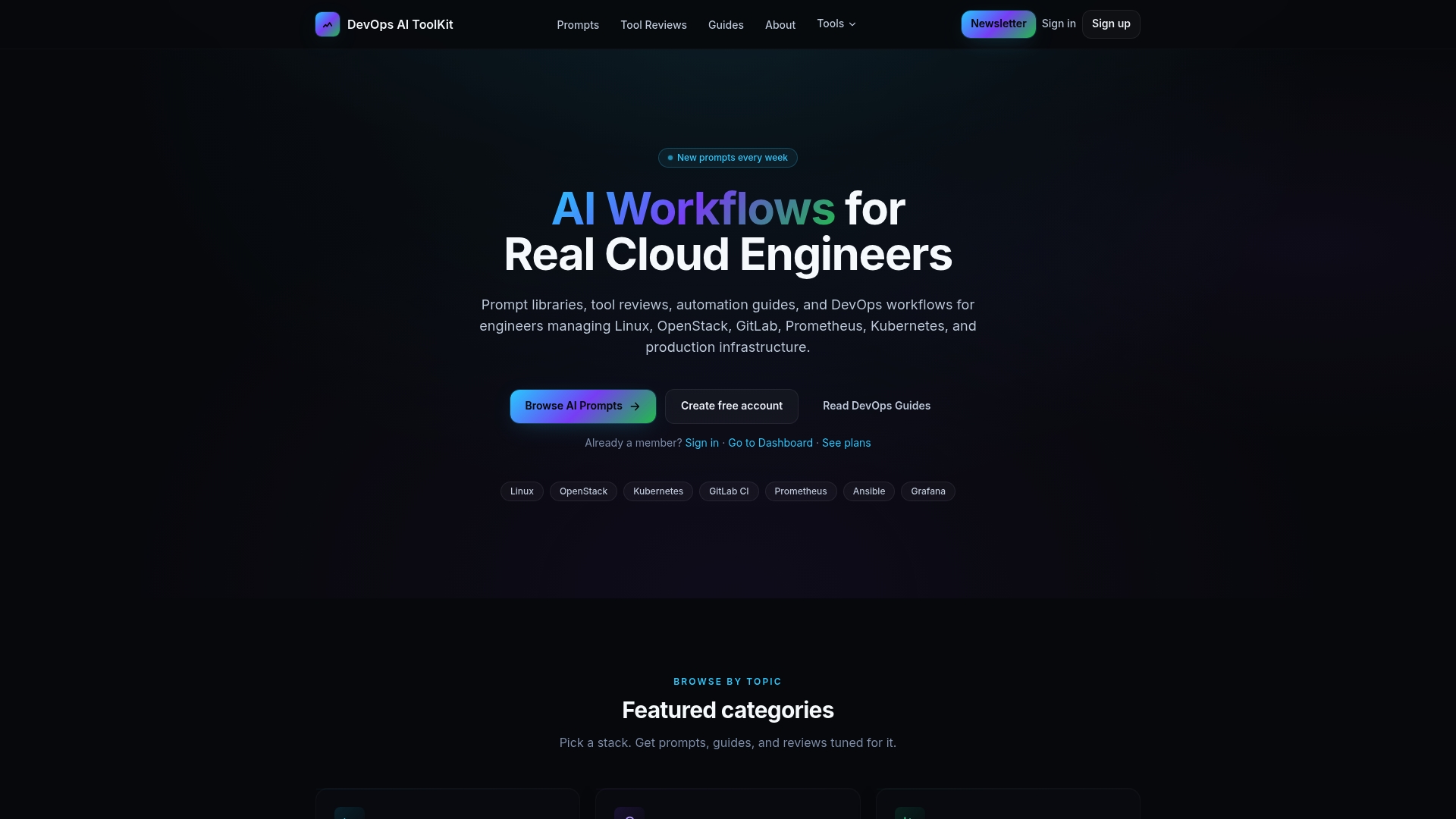
The AI prompt library at Devopsaitoolkit gives you ready-to-run prompts for Ansible, Bash scripting, Kubernetes workflows, and incident triage. If you are building automation scripts, the Bash strict mode scaffold and dependency preflight check prompts save you the setup time on every new script. For engineers managing AWX or Ansible Automation Platform, the AWX automation prompt covers the patterns you actually need in production. Start at devopsaitoolkit.com and pick the workflow that solves your current bottleneck.
FAQ
What are the main benefits of DevOps workflow automation?
The main benefits are faster software delivery, improved code quality, consistent environments, and lower operational costs. Elite teams deploy 208 times more frequently than low performers because of automation.
How does AI improve DevOps automation?
AI tools like GitHub Copilot and agentic AI platforms reduce lead time and enable autonomous incident remediation. Automated detection and remediation cuts Mean Time to Resolution by 40–60%.
What are the main DevOps automation tool categories?
The five categories are CI/CD platforms, Infrastructure as Code, monitoring and observability, incident response automation, and compliance and security automation. Each targets a distinct stage of the delivery pipeline.
How do I avoid alert fatigue when automating observability?
Define Service Level Objectives in tools like Prometheus or Datadog and alert on SLO burn rate rather than raw metric thresholds. Tuning and clear SLOs are required to keep automated alerting useful rather than noisy.
Should I automate my entire pipeline at once?
No. Incremental adoption with measurement at each stage produces better results than a full rollout. Pick your highest-friction manual step, automate it, measure the DORA metrics before and after, and then move to the next stage.
Recommended
- The Best AI Tools for DevOps Engineers in 2026 — DevOps AI ToolKit
- Power Automate for DevOps: Practical Workflows That Run in Teams — DevOps AI ToolKit
- DevOps Security Best Practices Every Engineering Team Should Follow — DevOps AI ToolKit
- Building Approval Workflows in Slack for Deploys and Access — DevOps AI ToolKit
Get 500 Battle-Tested DevOps AI Prompts — Free
500 battle-tested, copy-paste AI prompts engineered by a senior systems engineer — every one with fill-in placeholders and safety/back-out notes. Drop your email and it's yours.
- 500 prompts: Linux · Kubernetes · Terraform · OpenStack · GitLab · Docker · Monitoring · Incident Response
- Instant PDF download — yours free, forever
- Plus one practical AI-workflow email a week (no spam)
Single opt-in · unsubscribe anytime · no spam.