
AI Workflow Examples for Ops Teams in 2026
Discover effective AI workflow examples for ops teams in 2026. Improve incident response times and streamline operations with advanced automation.
- #automation
- #ai-workflows
- #incident-response
- #ci-cd
- #devops

AI workflow automation for operations is defined as the use of multi-agent systems, approval gates, and AI triage pipelines to handle incident response, CI/CD failures, and operational tasks with minimal manual intervention. The best ai workflow examples for ops teams combine tools like Claude, Datadog, and AtlasOps to cut mean time to resolution (MTTR) from hours to minutes. This article breaks down the most effective patterns, with real architecture decisions and implementation details you can apply today.
1. What are the most effective AI workflow patterns for incident response?
Incident response is where AI automation delivers the clearest, most measurable wins. Integrating Datadog alerts with AI SRE agents and Slack war rooms reduces MTTR from roughly 3 hours to roughly 22 minutes. That is an 8x improvement, and it comes from replacing manual triage steps with a structured agent pipeline.
The core pattern works like this: an alert fires in Datadog, an AI triage agent picks it up, classifies severity, creates a structured incident ticket, and posts a summary to a Slack war room. The agent then runs runbook steps automatically for known issue patterns. Human engineers get a pre-diagnosed incident, not a raw alert.
Key components of a production-ready incident response workflow:
- Alert ingestion layer: Datadog, PagerDuty, or Prometheus as the event source
- AI triage agent: classifies severity, deduplicates, and assigns runbook steps
- Structured incident ticket: auto-generated with context, affected services, and initial RCA
- Slack war room: real-time communication channel with agent-posted updates
- Approval gate: blocks destructive remediation until a human confirms
The Claude Managed Agents cookbook implements this with open_pull_request, request_approval, and merge_pull_request tools controlling every write action. Read actions run freely. Write actions require explicit approval. That boundary is what makes the workflow safe enough to run in production.
Pro Tip: Start your incident workflow with read-only agent actions for the first two weeks. Measure accuracy before you let the agent touch anything.
For ops teams wanting a deeper look at AI triage tools, Devopsaitoolkit has a full breakdown of what actually works in 2026.

2. How do multi-agent systems and approval gates improve operational safety?
Single-agent workflows hit a ceiling fast. One agent handling triage, diagnosis, remediation, and communication simultaneously makes errors and loses context. AtlasOps solves this with a four-role multi-agent framework: Triage, Diagnosis, Remediation, and Comms. Each role has its own tool access control list (ACL), so the Comms agent cannot accidentally trigger a rollback.
Alert storm deduplication is the other critical piece. AtlasOps uses 5-minute time windows to group related alerts into a single incident chain. Without deduplication, a cascading failure generates dozens of alerts and spawns dozens of competing agent chains. That creates conflicting remediation suggestions and wasted compute.
Human-in-the-loop (HITL) approval gates require external execution blocking and state persistence. The Claude API is stateless by design. Your workflow must save a snapshot before the approval pause, then resume with appended results after the human responds. Telling the model to “wait for approval” inside the prompt is not a real gate. It is a suggestion the model can ignore.
LangGraph’s checkpointing pattern demonstrates the right approach: the workflow pauses before any destructive call, serializes state to a database, and resumes only after an external signal confirms approval. This is the architecture that actually blocks execution.
Pro Tip: Classify every tool your agent can call as Red (destructive, always requires approval), Yellow (reversible, soft gate), or Green (read-only, no gate). Build your ACLs from that list before you write a single line of agent code.
3. What are top real-world AI workflow examples for CI/CD pipeline automation?
CI/CD failures are a daily tax on ops teams. The ops-pilot project shows how confidence-based branching handles this at scale. The agent polls for failures every 30 seconds, runs root cause analysis, and branches based on confidence level.
Here is how the staged workflow runs:
- Monitor: Agent polls CI/CD system for failed builds or deployment errors
- Triage: Agent classifies the failure type (config error, dependency issue, test failure, infra fault)
- Root cause analysis: Agent queries logs, metrics, and recent commits to build an evidence package
- Confidence scoring: High confidence triggers a draft PR with the proposed fix; low confidence escalates to a human with the evidence package attached
- Human review: Engineer reviews the draft PR or escalation ticket in Slack or GitHub
- Merge or reject: Approved PRs merge automatically; rejected ones feed back into the agent’s learning context
- Audit log: Every tool call, decision, and approval is written to a structured JSONL audit log
The JSONL audit trail is not optional in regulated environments. Persistent audit logs with chained run histories keep AI workflow actions transparent and accountable. When something goes wrong at 2 AM, you need to know exactly what the agent did and why.
PagerDuty-to-Slack incident routing follows a similar pattern. Severity-based routing with a max of 5 agent turns and 3–5 ordered runbook steps for critical incidents keeps the workflow from running indefinitely. Auto-acknowledgment suppresses duplicate pages once the agent picks up an incident.
4. How can ops teams implement AI workflows with approval gates and auditability?
The runbook guard pattern is the most complete open-source reference for safe AI automation. It implements evidence-first control, typed plan validation, dry-run by default, postcondition checks, and approval gating in a single framework. Write actions route through adapters that require explicit approval. Audit receipts write post-execution.
Evidence-first design is the part most teams skip. The agent gathers all read-only data before proposing any write action. This prevents premature fixes based on incomplete context and reduces incident thrash significantly.
Implementation checklist for ops teams:
- Classify tools by risk level before building any agent (Red/Yellow/Green)
- Implement state persistence so approval pauses do not lose workflow context
- Run in shadow mode first: agent proposes actions but does not execute them; humans review the proposals for two weeks
- Set a max turns limit on every agent loop to prevent runaway execution
- Write audit receipts after every tool call, not just at workflow completion
- Route Slack notifications for every approval request with a direct approve/reject button
- Validate plans with typed schemas before the agent executes any multi-step sequence
Building approval workflows in Slack is the fastest way to get human-in-the-loop gates into production without building a custom UI. Slack’s interactive components handle the approve/reject signal, and your workflow resumes on the webhook callback.
The Claude API HITL guide recommends incremental rollout with shadow mode as the safest adoption path. Shadow mode lets you measure agent accuracy against real incidents before you give it any write permissions.
5. How do AI workflows help ops teams scale incident management?
Alert correlation upstream prevents the most expensive failure mode in AI ops: competing agent chains working the same incident. AtlasOps deduplication groups related alerts within 5-minute windows into a single incident chain. One chain, one agent pipeline, one remediation path.
Multi-agent pipelines improve throughput because specialized agents run in parallel. The Diagnosis agent queries metrics while the Comms agent drafts the incident summary. Neither blocks the other. Total resolution time drops because work happens concurrently rather than sequentially.
FedEx’s AI-driven intake automation cut intake time from 90 minutes to 30 minutes and saved over 300 hours per year on reporting and documentation. That result came from centralizing intake, automating classification, and routing work to the right team without manual review. The same pattern applies directly to ops incident intake.
Operational AI focuses on human augmentation and explainability rather than full replacement. Agents grounded in verified infrastructure data produce recommendations engineers can trust and verify. Explainability is not a nice-to-have. It is what separates AI workflows that get adopted from ones that get turned off after the first bad incident.
Pro Tip: Measure three numbers before and after deploying any AI workflow: MTTR, alert-to-ticket time, and false positive rate. If all three improve, the workflow is working. If false positives increase, your triage classification needs retraining.
Key takeaways
The most effective AI workflows for ops teams combine multi-agent role specialization, evidence-first triage, and externally enforced approval gates to reduce MTTR and maintain operational safety.
What I’ve learned after building these workflows in production
The gap between a demo AI workflow and one that survives a real production incident is wider than most teams expect. I have seen approval gates that looked correct in testing fail silently in production because the state snapshot was not actually persisting across the pause. The agent resumed from scratch, re-ran the analysis, and proposed a different fix than the one the engineer approved. That is a trust-destroying failure mode.
The teams that get this right start smaller than they think they need to. One workflow, one incident type, shadow mode for two weeks. They measure false positive rate obsessively. They treat the audit log as a first-class product, not an afterthought.
The multi-agent architecture is genuinely worth the added complexity. A single agent doing triage, diagnosis, remediation, and communication simultaneously degrades under load and makes debugging nearly impossible. Role specialization gives you clear failure boundaries. When the Diagnosis agent produces a bad RCA, you know exactly where to look.
The future direction I am watching is automated root cause analysis becoming a commodity. Right now it requires careful prompt engineering and tool design. Within 18 months, I expect most major observability platforms to ship this natively. The teams that will benefit most are the ones who have already built the approval gate infrastructure and audit trail habits. The AI gets smarter, but the governance layer you build today stays relevant.
Start with incident response. Measure MTTR. Add one approval gate. Iterate from there.
— James
Devopsaitoolkit prompt packs for ops AI workflows
If you are ready to move from reading about AI workflows to actually building them, Devopsaitoolkit has the prompt infrastructure to get you there faster.
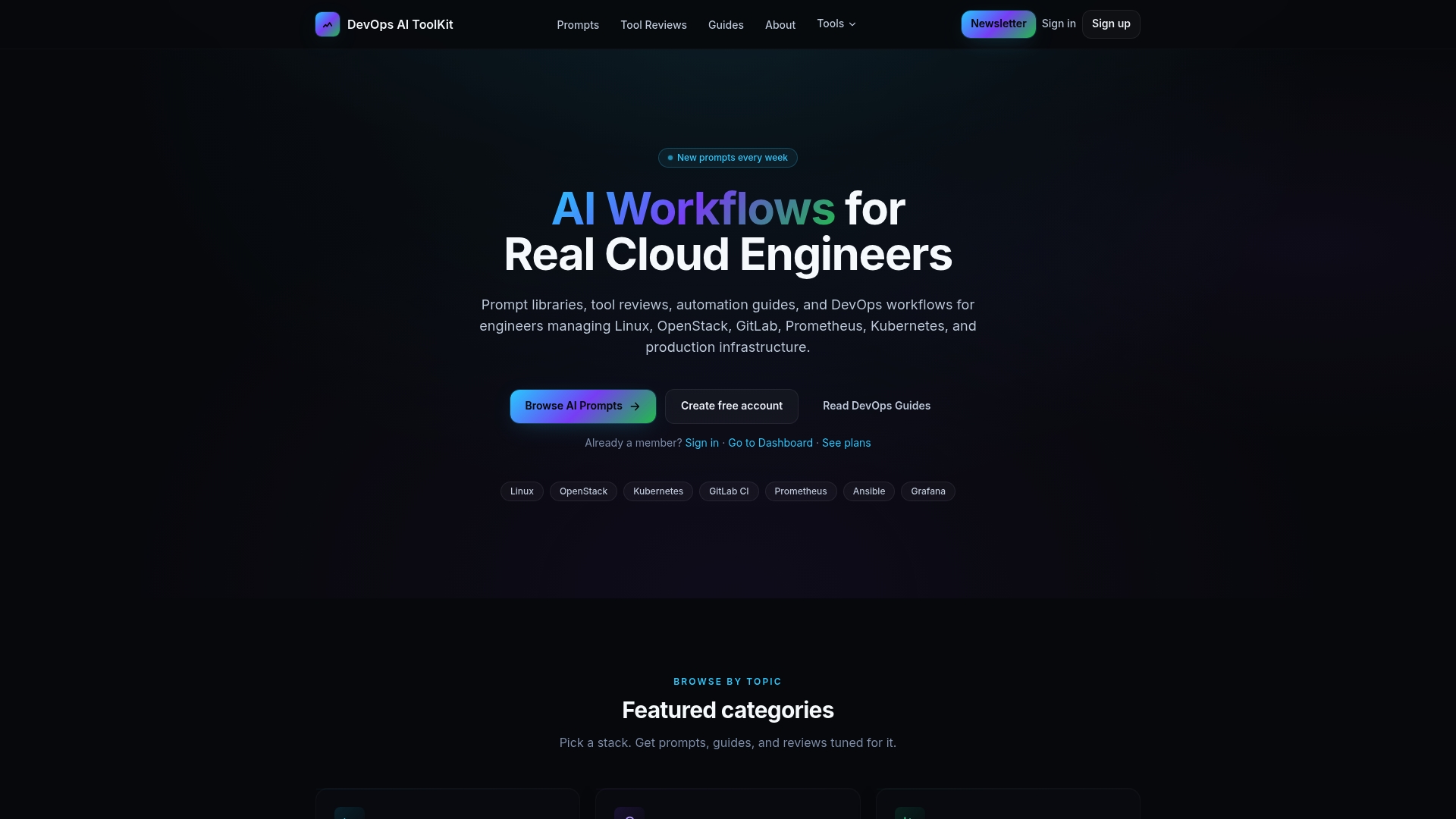
The Linux Admin Prompt Pack gives you 100 battle-tested prompts for automated Linux administration, covering the exact tasks that show up in incident runbooks. For configuration and deployment automation, the Ansible AWX prompts cover the AWX job template patterns that ops teams use daily. If you want to improve observability in your workflows, the Bash logging library prompt generates leveled logging scripts that feed clean data into your AI triage agents. These are not generic templates. They are built for engineers running real infrastructure.
FAQ
What is an AI workflow for ops teams?
An AI workflow for ops teams is an automated pipeline that uses AI agents to handle tasks like incident triage, alert routing, and CI/CD failure analysis with defined approval gates for human oversight.
How much can AI reduce incident MTTR?
Integrating Datadog with AI SRE agents and Slack war rooms reduces MTTR from roughly 3 hours to roughly 22 minutes, an 8x improvement documented in production deployments.
What is a human-in-the-loop approval gate?
A human-in-the-loop approval gate is a workflow checkpoint that pauses execution before any destructive action, persists state externally, and resumes only after a human confirms via Slack or a similar interface.
How do multi-agent systems differ from single-agent workflows?
Multi-agent systems assign specialized roles (Triage, Diagnosis, Remediation, Comms) with per-role tool access controls, which reduces errors and prevents conflicting remediation actions that single-agent systems produce under load.
What is shadow mode in AI workflow rollout?
Shadow mode is a deployment stage where the AI agent proposes actions but does not execute them. Teams review proposals against real incidents for two weeks before granting the agent any write permissions.
Recommended
- Newsletter — AI workflows for DevOps engineers
- AI Workflows for Real Cloud Engineers — DevOps AI ToolKit
- Power Automate for DevOps: Practical Workflows That Run in Teams — DevOps AI ToolKit
- The Best AI Tools for DevOps Engineers in 2026 — DevOps AI ToolKit
Get 500 Battle-Tested DevOps AI Prompts — Free
500 battle-tested, copy-paste AI prompts engineered by a senior systems engineer — every one with fill-in placeholders and safety/back-out notes. Drop your email and it's yours.
- 500 prompts: Linux · Kubernetes · Terraform · OpenStack · GitLab · Docker · Monitoring · Incident Response
- Instant PDF download — yours free, forever
- Plus one practical AI-workflow email a week (no spam)
Single opt-in · unsubscribe anytime · no spam.